Cookies

Nel
Posted on 7 June 2024




Cookies are a fundamental aspect of web technology, playing a crucial role in enhancing user experiences, personalizing content, and facilitating seamless interactions on the internet. In this comprehensive guide, we will explore the definition, analogy, further description, importance, and examples of cookies in computing.
In the realm of computing, a “cookie” refers to a small piece of data stored on a user’s device by a web browser. These data files serve various purposes, such as remembering user preferences, tracking user activities, and enabling personalized content delivery. Cookies play a vital role in creating a smoother and more personalized online experience.
Consider cookies as bookmarks in a library. Just as bookmarks help you remember where you left off in a book, cookies store information about your preferences and activities on the internet, making it easier for websites to tailor their content to your needs.
Cookies can be categorized into different types based on their functions:
Session Cookies: Temporary cookies that expire once the user closes the browser, used to maintain session information during a user’s visit to a website.
Persistent Cookies: These cookies remain on the user’s device for a specified duration, allowing websites to remember user preferences and login information over multiple sessions.
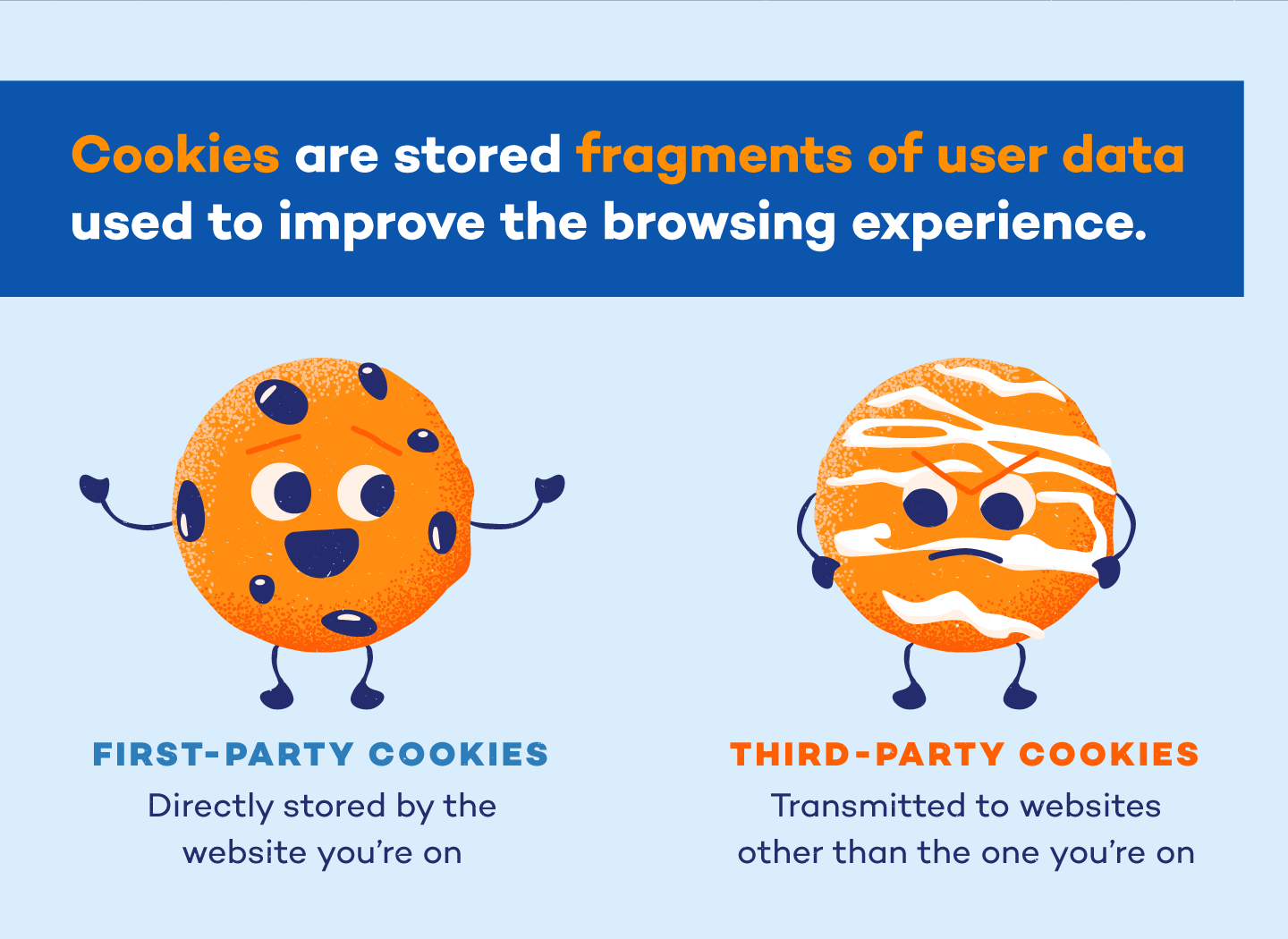
First-party Cookies: Set by the website being visited, these cookies are designed to enhance the user experience on that specific site.
Third-party Cookies: Placed by domains other than the one the user is visiting, often used for tracking user behavior across multiple websites.
Personalization: Cookies enable websites to remember user preferences, providing a personalized and tailored browsing experience.
Session Management: Session cookies help maintain user sessions, keeping users logged in and preserving their progress during a visit to a website.
Tracking and Analytics: Cookies play a crucial role in gathering data for website analytics, helping businesses understand user behavior and improve their online offerings.
Advertising: Advertisers use cookies for targeted advertising, delivering relevant ads based on a user’s interests and online activities.
Authentication: Cookies are often used to manage user authentication, allowing users to stay logged in across multiple pages or visits to a website.
Shopping Carts: E-commerce websites utilize cookies to remember items in a user’s shopping cart, providing a seamless shopping experience.
Online Forms: Cookies help store information entered into online forms, preventing users from having to re-enter data on subsequent visits.
Cookies are small data files stored by web browsers on a user’s device, serving various purposes in enhancing the online experience.
They can be categorized as session cookies, persistent cookies, first-party cookies, and third-party cookies.
Cookies play a vital role in personalization, session management, tracking and analytics, and targeted advertising.
Examples include their use in authentication, shopping carts, and online forms.
Understanding cookies is essential for both users and web developers to navigate the dynamic landscape of the internet.

Top VC Firms Your Guide To Venture Capital Firms in Boston – 2023 Related Posts Gigster Review Andela Review Hire Nearshore Developers Cost of hiring LATAM developers Toptal Alternatives Toptal Review – Is Toptal worth your money? If venture capital is the financing route you wish to take for your startup then you...

In the realm of PHP programming, error handling and program termination are essential aspects to ensure smooth and efficient execution of code. Two functions that play a crucial role in achieving this are die() and exit(). These functions allow developers to gracefully exit a script or handle errors effectively. In this blog post, we will...


In Kotlin, secondary constructors complement the primary constructor by providing additional ways to initialize objects. While the primary constructor is declared within the class header, secondary constructors are defined within the class body and offer flexibility in object instantiation. To create a secondary constructor in Kotlin, you use the constructor keyword followed by the constructor...




