

Embarking on a freelance career can feel overwhelming, especially when choosing where to find your first clients. The sheer number of platforms available makes it difficult to determine which one aligns with your skills, experience level, and professional goals. This guide is designed to cut through the noise, providing a clear, practical roadmap to the […]

Embarking on a freelance career can feel overwhelming, especially when choosing where to find your first clients. The sheer number of platforms available makes it difficult to determine which one aligns with your skills, experience level, and professional goals. This guide is designed to cut through the noise, providing a clear, practical roadmap to the best freelancing platforms for beginners. We'll move beyond generic descriptions and offer an honest assessment of what each site truly offers new freelancers.
This resource will help you make an informed decision by breaking down the most popular and effective platforms. For each option, you will find a detailed profile covering its core focus, potential earning scenarios, and common pitfalls to avoid. We'll explore pros and cons from a beginner's perspective, identify the types of freelancers who succeed most on each site, and provide an overview of their fee structures.
To make the process even more straightforward, every platform review includes screenshots for easy navigation and direct links to get you started immediately. Our goal is to equip you with the essential information needed to select the right launchpad for your freelance journey, saving you time and helping you secure your first paid project faster. Let's dive into the platforms that can connect you with your ideal clients.
As the largest global freelancing marketplace, Upwork is often the first stop for those exploring freelancing platforms for beginners. Its immense scale means you can find opportunities in almost any professional field, from writing and graphic design to web development and virtual assistance. The platform provides a structured environment where you can build a profile, showcase your portfolio, and apply for jobs posted by a diverse client base, including a significant number of U.S.-based businesses.
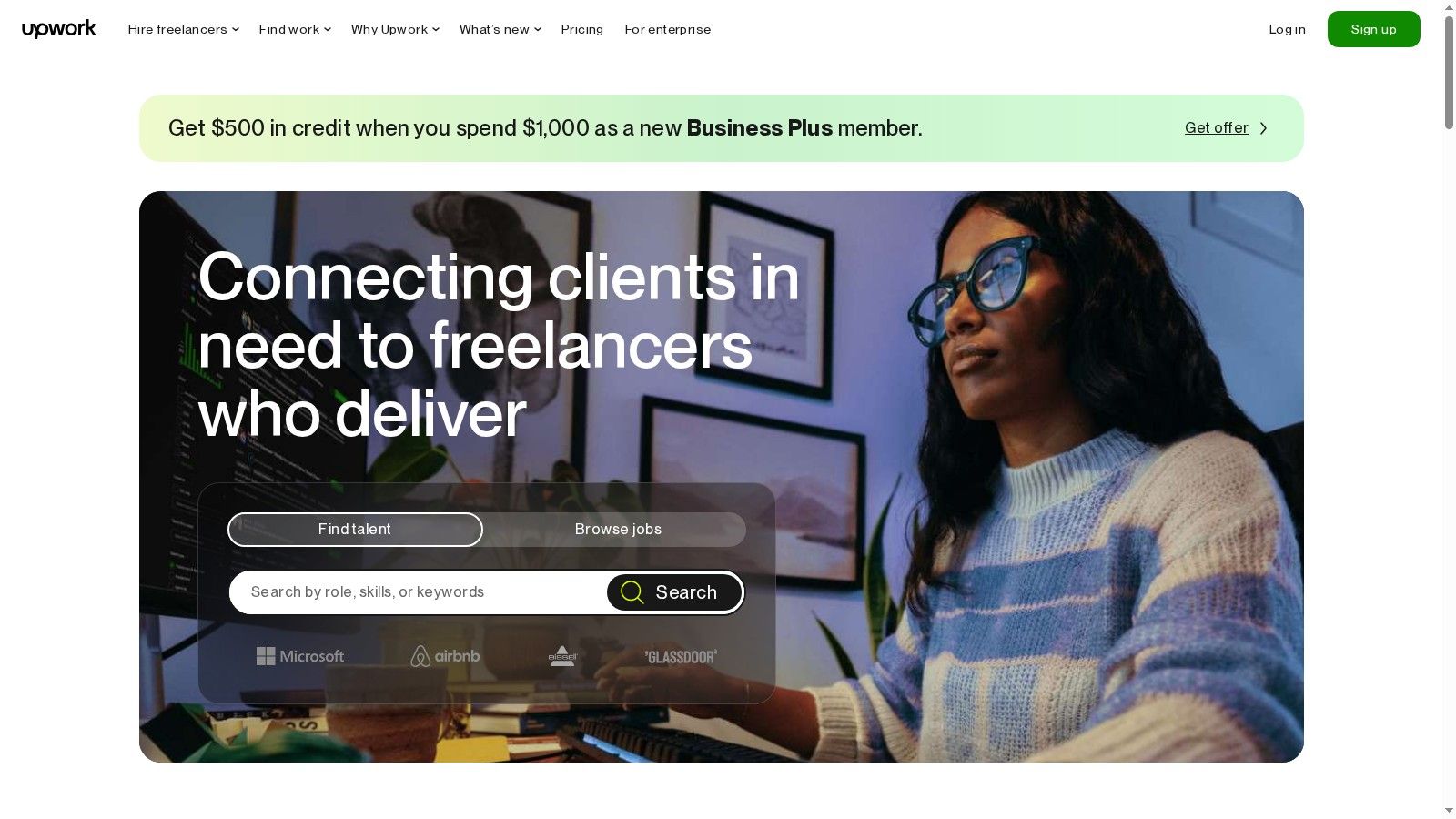
Upwork's built-in escrow system and time-tracking software offer crucial security, ensuring you get paid for your work. This makes it an excellent place to gain experience and build client trust. However, its size also brings fierce competition. You must submit compelling proposals to stand out, and each application costs "Connects," a virtual currency that you either receive monthly or purchase. While its structure provides a solid foundation, some businesses prefer to find pre-vetted freelance developers on hiredevelopers.com to bypass the lengthy search process.
| Feature | Details |
|---|---|
| Best For | Building a diverse portfolio and accessing a large, active client base. |
| Pricing | Free to join. Freelancer service fees start at 10% and decrease with higher client billings. Proposals require "Connects," which can be purchased. |
| Pros | Massive job volume, strong payment protection, excellent for gaining initial experience. |
| Cons | High competition, proposal costs can add up, service fees impact earnings. |
Website: https://www.upwork.com
Fiverr flips the traditional freelancing model by allowing sellers to package their services as fixed-price "gigs." Instead of bidding on projects, you create a service listing, and clients come to you. This approach makes it one of the most accessible freelancing platforms for beginners, as you can define your offerings, set your price, and start selling almost immediately. The platform is ideal for easily productized services like logo design, proofreading, or voiceover work, with built-in workflows for messaging and order management.
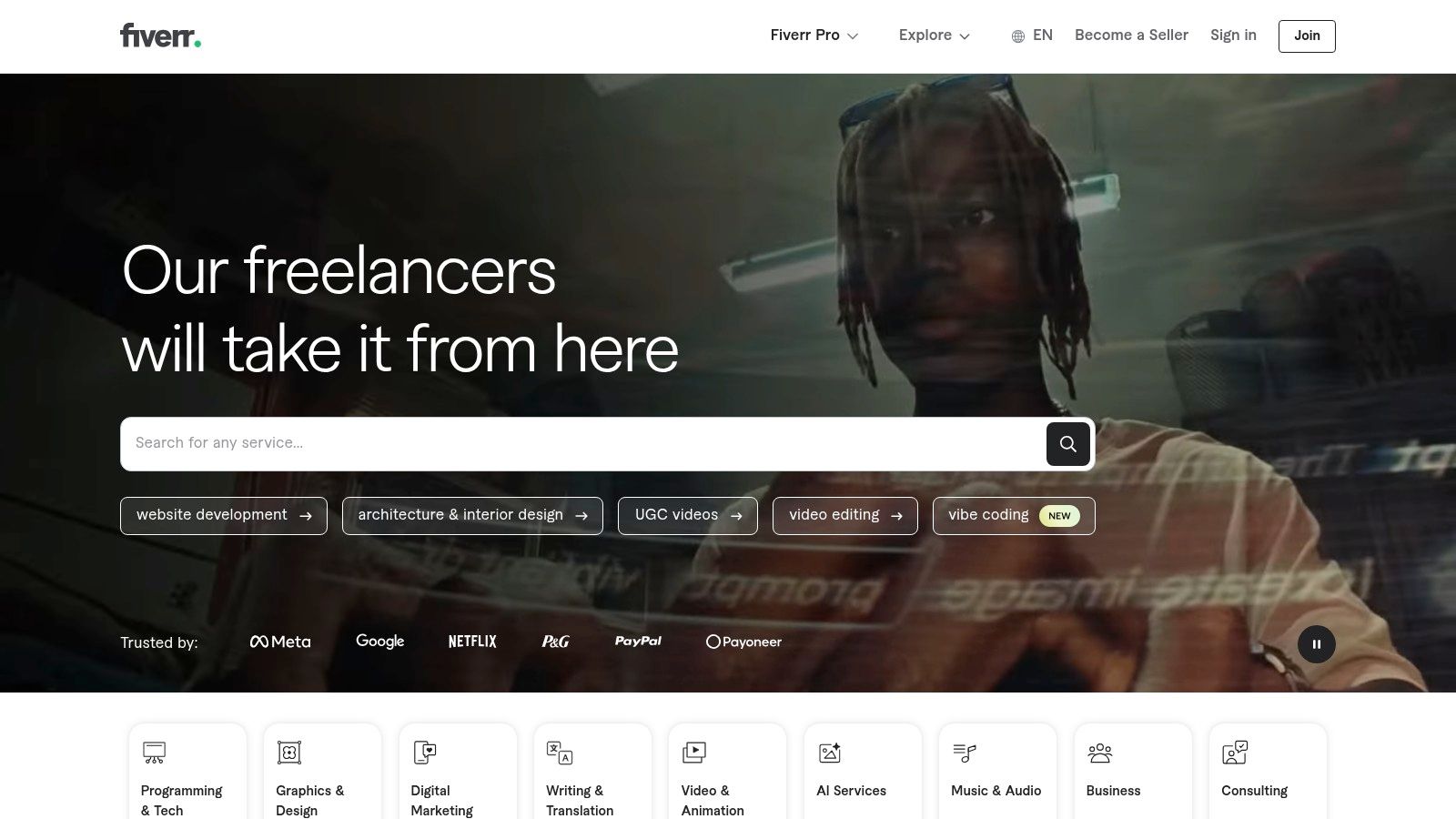
The platform's gig-based structure encourages clear, concise service offerings, which helps beginners avoid scope creep. As you complete orders and receive positive reviews, your gigs gain visibility through a tiered seller system. The primary drawback is the platform's fixed 20% commission on all earnings, which is higher than many competitors. Additionally, new sellers face a waiting period before they can withdraw their funds. Despite this, its low barrier to entry and built-in buyer traffic make it an excellent starting point.
| Feature | Details |
|---|---|
| Best For | Freelancers offering productized, fixed-scope services and those who prefer clients to come to them. |
| Pricing | Free to create a profile and list gigs. A flat 20% service fee is taken from all seller earnings. |
| Pros | Extremely low barrier to entry, easy to get started, built-in traffic and buyer discovery. |
| Cons | High, flat 20% commission, payout clearance waiting periods for most sellers. |
Website: https://www.fiverr.com
As one of the oldest freelancing platforms for beginners, Freelancer.com offers a dynamic environment where you can bid on projects or participate in contests. This dual approach is particularly useful for new freelancers; contests, especially in design fields, allow you to build a portfolio and demonstrate your skills even if you don't win the top prize. The platform supports a vast range of project types, from simple data entry tasks to complex software development, making it a versatile starting point.
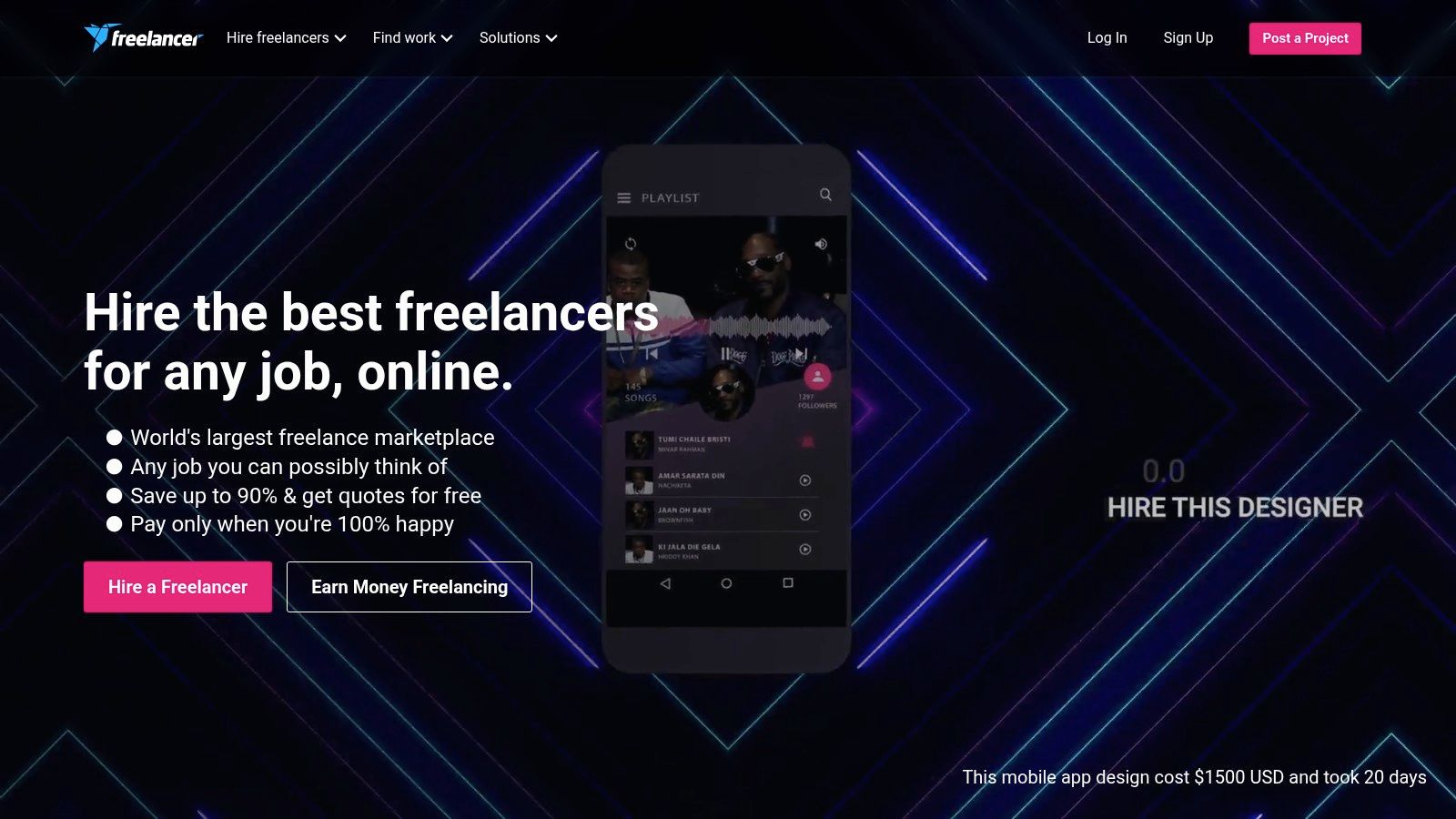
The bidding system creates a competitive atmosphere, requiring you to write compelling proposals to secure jobs. Freelancer.com facilitates trust through milestone payments and an escrow system, ensuring funds are held until work is completed to the client's satisfaction. While the platform is a great place to start, the sheer volume of freelancers can make it challenging for businesses to find developers with specific expertise, leading them to use more specialized services. To succeed here, focus on building a strong profile and strategically bidding on relevant projects.
| Feature | Details |
|---|---|
| Best For | New freelancers looking to build a portfolio quickly through contests and small projects. |
| Pricing | Free to join. A fixed project fee of 10% or $5 (whichever is greater) is charged on earnings. Optional paid memberships and bid upgrades are available. |
| Pros | Wide variety of entry-level gigs, design contests help build portfolio quickly, milestone payment protection. |
| Cons | Per-project commission on earnings can be high for small jobs, optional bid upgrades and memberships add extra costs. |
Website: https://www.freelancer.com
PeoplePerHour is a UK-based platform that offers a unique hybrid model, making it an interesting choice among freelancing platforms for beginners. It combines traditional proposal-based job postings with "Offers," which are pre-packaged, fixed-price services you can create. This allows new freelancers to productize common tasks like "I will design a business logo" and sell them directly, providing a clear path to landing their first projects without competing on proposals alone.
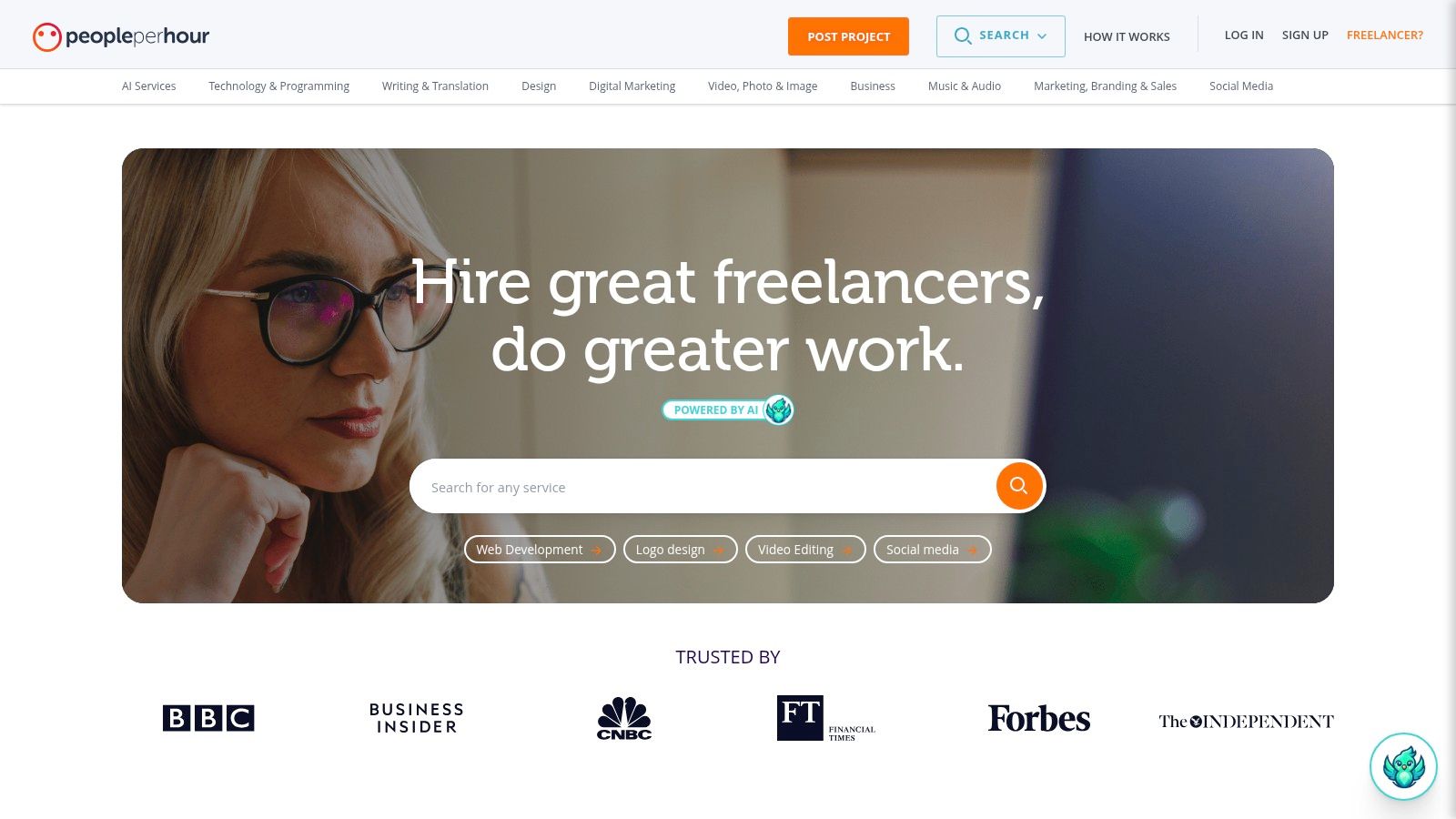
The platform's fee structure is designed to reward long-term client relationships. While the initial fees on a client's first spend are higher, they decrease significantly as your lifetime billing with that client grows. This incentivizes delivering high-quality work to encourage repeat business. Though accessible globally, its user base is concentrated in the UK and Europe, so U.S.-based freelancers may notice peak activity aligns with those time zones. The built-in messaging and milestone tools help manage projects effectively from start to finish.
| Feature | Details |
|---|---|
| Best For | Freelancers who want to productize their services and build long-term client relationships. |
| Pricing | Free to join. Service fees are tiered based on lifetime billing with each buyer, starting high and decreasing over time. |
| Pros | "Offers" feature makes it easy to sell pre-packaged services, clear fee structure that rewards repeat business. |
| Cons | Most platform activity occurs during UK/European business hours, higher initial fees on new client projects. |
Website: https://www.peopleperhour.com
Guru positions itself as a straightforward and flexible option among freelancing platforms for beginners, focusing on a quote-based system. Instead of bidding, freelancers submit detailed quotes for jobs, allowing for clear communication about project scope and cost from the outset. This transparent approach helps new freelancers practice their pricing strategy and project management skills in a structured environment.
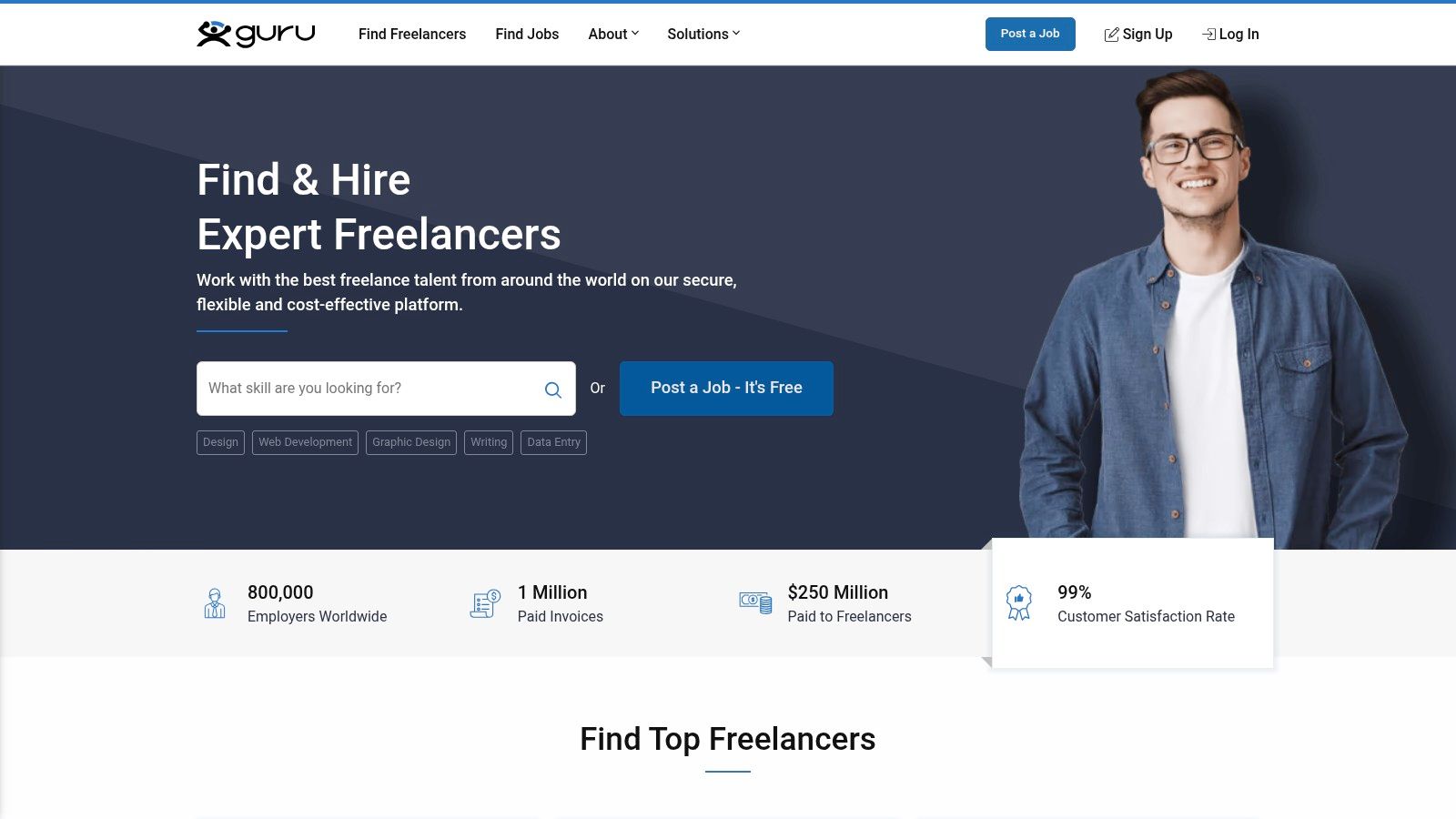
The platform’s standout features include its "WorkRoom" for collaboration and a "SafePay" escrow system that ensures payment is secured before work begins. A key differentiator is its membership model, which allows freelancers to reduce their project fee from a standard 9% down to 5% by paying a monthly or annual subscription. While the job volume is lower than on giant marketplaces, this can sometimes mean less competition, giving new freelancers a better chance to secure their first projects and build a solid reputation.
| Feature | Details |
|---|---|
| Best For | Freelancers who prefer a quote-based system and want to lower service fees as they earn. |
| Pricing | Free to join with a 9% project fee. Paid memberships (starting at $11.95/month) reduce fees and offer more monthly bids. |
| Pros | Potentially lower fees (down to 5%) with paid membership, straightforward quoting and escrow process. |
| Cons | Fewer job postings than the largest marketplaces, some useful features require paid membership. |
Website: https://www.guru.com
Contra offers a refreshing, modern approach to the world of freelancing platforms for beginners, positioning itself as a commission-free marketplace. This model is its biggest draw, allowing freelancers to keep 100% of their earnings. Instead of taking a cut from the freelancer, Contra charges clients a fee on contracts and invoices, which makes pricing straightforward for those just starting out. The platform is heavily focused on building a professional portfolio, which serves as your primary tool for attracting clients.
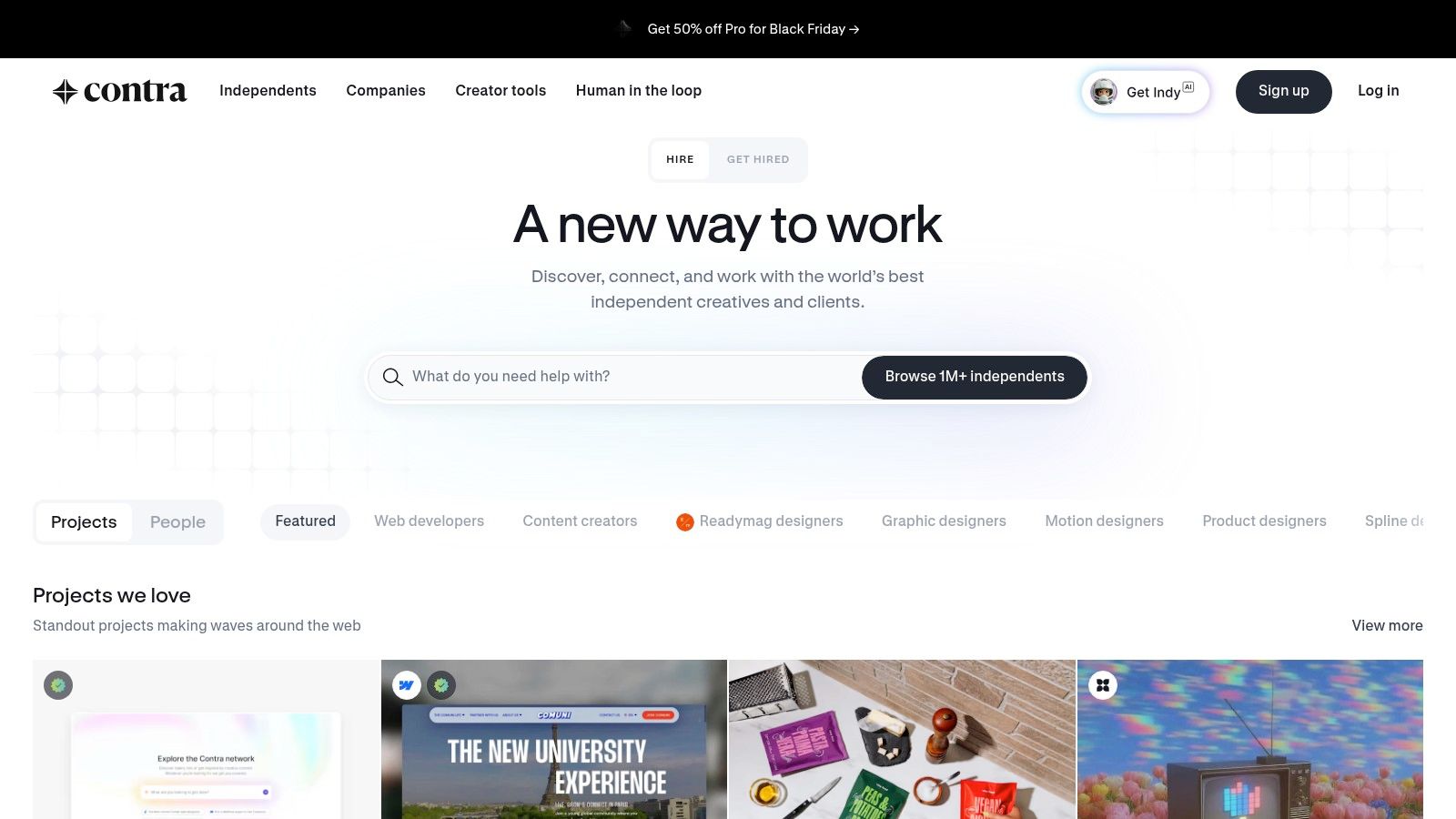
This portfolio-first design encourages quality over quantity, helping new freelancers showcase their skills effectively. The platform integrates all the essential tools for a smooth workflow, including proposals, contracts, invoicing, and secure global payouts. While its client base is smaller and more curated than giants like Upwork, the 0% commission structure makes every project more profitable. This focus on maximizing earnings and providing an all-in-one toolset makes Contra an excellent choice for independent professionals who value transparency and a modern interface.
| Feature | Details |
|---|---|
| Best For | New freelancers who want to maximize their earnings and build a strong visual portfolio. |
| Pricing | Free for freelancers (0% commission). Clients pay a contract/invoice processing fee. Optional Contra Pro subscription for advanced analytics. |
| Pros | Freelancers keep 100% of their earnings, integrated workflow tools (proposals, contracts, payments), strong emphasis on portfolio building. |
| Cons | Smaller client base and fewer jobs than larger platforms, client-side fees may discourage some potential buyers. |
Website: https://contra.com
Leveraging the world's largest professional network, LinkedIn Services Marketplace allows freelancers to create a dedicated "Services Page" directly on their profile. This feature transforms your existing profile into a lead-generation tool, making it one of the most organic freelancing platforms for beginners. Prospects can find you through LinkedIn search, view your professional history and recommendations as social proof, and send free proposal requests directly to you.
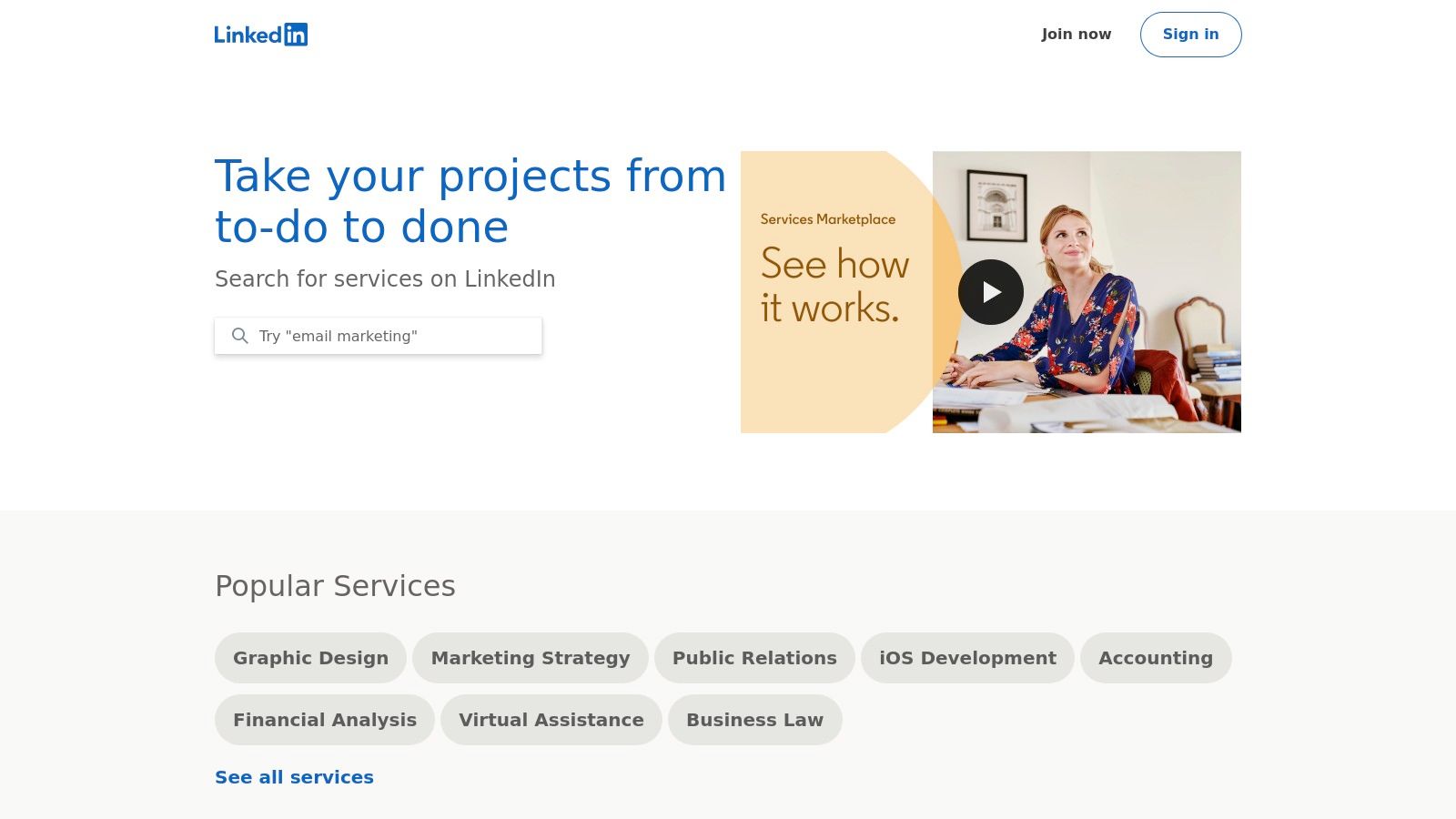
The primary advantage is that LinkedIn takes no commission, meaning you keep 100% of your earnings. This is ideal for those who have already built a solid professional network. However, the platform does not handle contracts, payments, or disputes, requiring you to manage these aspects independently. For those considering the value of this platform in their freelancing journey, an article exploring questions like, "Is LinkedIn Still Worth It?" can provide deeper insights.
| Feature | Details |
|---|---|
| Best For | Freelancers with an established professional network looking to leverage social proof without platform fees. |
| Pricing | Free to list services and receive proposals. LinkedIn takes no commission on projects. |
| Pros | No platform commission on earnings, leverages your existing profile and network, strong built-in social proof. |
| Cons | No built-in payment protection or escrow, project management and contracts are handled externally, discovery can be limited. |
Website: https://www.linkedin.com/services
Thumbtack offers a unique angle for freelancers, focusing on lead generation for local, in-person services across the United States. Unlike traditional job boards, it connects professionals in fields like photography, event planning, and home services directly with high-intent consumers actively seeking their skills. For beginners, this model provides a direct line to customers ready to hire, removing the need for extensive self-promotion or cold outreach.
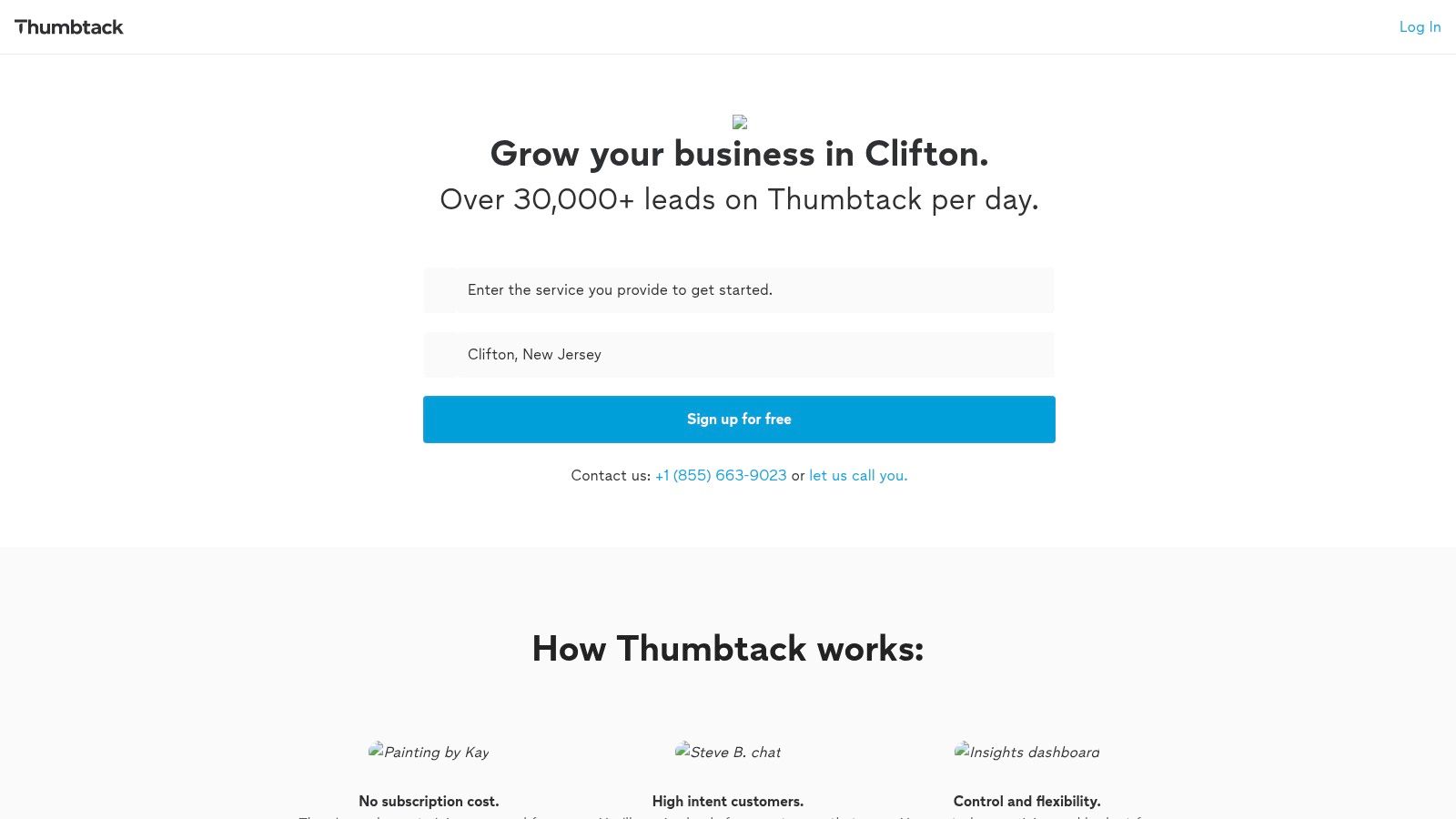
The platform operates on a pay-per-lead system, giving you control over your budget and the types of jobs you pursue. You can target specific locations and service categories, making it an excellent choice among freelancing platforms for beginners who want to build a local client base. Features like Instant Book can also help secure jobs faster. While it’s less suited for purely digital or remote roles, its focus on tangible, local work provides a valuable pathway into freelancing for many service-based professionals.
| Feature | Details |
|---|---|
| Best For | Freelancers offering local or in-person services like photography, event planning, and home improvement. |
| Pricing | Free to create a profile. Professionals pay for each lead received from a potential customer. |
| Pros | Access to high-intent local customers, flexible budget control, excellent for building a local portfolio. |
| Cons | Lead quality can vary, not ideal for fully remote or digital-only services, costs can add up per lead. |
Website: https://www.thumbtack.com/pro
For those looking to earn their first freelance income quickly, Taskrabbit offers a unique, hyper-local approach. This app-based marketplace connects you with people in your area who need help with everyday tasks like furniture assembly, moving, errands, and handyman work. While not a traditional digital freelancing platform, it's an excellent entry point for beginners to gain experience, earn positive reviews, and understand the dynamics of client communication and service delivery.
Taskrabbit's model is straightforward: you build a profile, set your hourly rates for specific skills, and define your availability. Clients then find and book you directly through the app. This simple system provides a fast path to paid work, making it one of the most accessible freelancing platforms for beginners offering in-person services. Its focus on local, tangible tasks removes the global competition found on larger remote platforms.
| Feature | Details |
|---|---|
| Best For | Earning initial income and reviews through local, in-person gigs. |
| Pricing | Free for clients to search. Taskers pay a one-time, non-refundable registration fee (around $25 in the U.S.). |
| Pros | Quick path to first earnings, consistent consumer demand, you set your own rates and schedule. |
| Cons | Primarily for in-person local work, not remote. The one-time registration fee can be a barrier. |
Website: https://www.taskrabbit.com
For aspiring graphic, web, and brand designers, 99designs provides a unique entry point into the world of freelancing. Instead of traditional job applications, the platform is famous for its design contests. Clients post a brief, and multiple designers submit their concepts, giving beginners a chance to compete, get feedback, and build a portfolio even if they don't win. This contest-based model is one of the most practical ways for new designers to gain real-world experience.
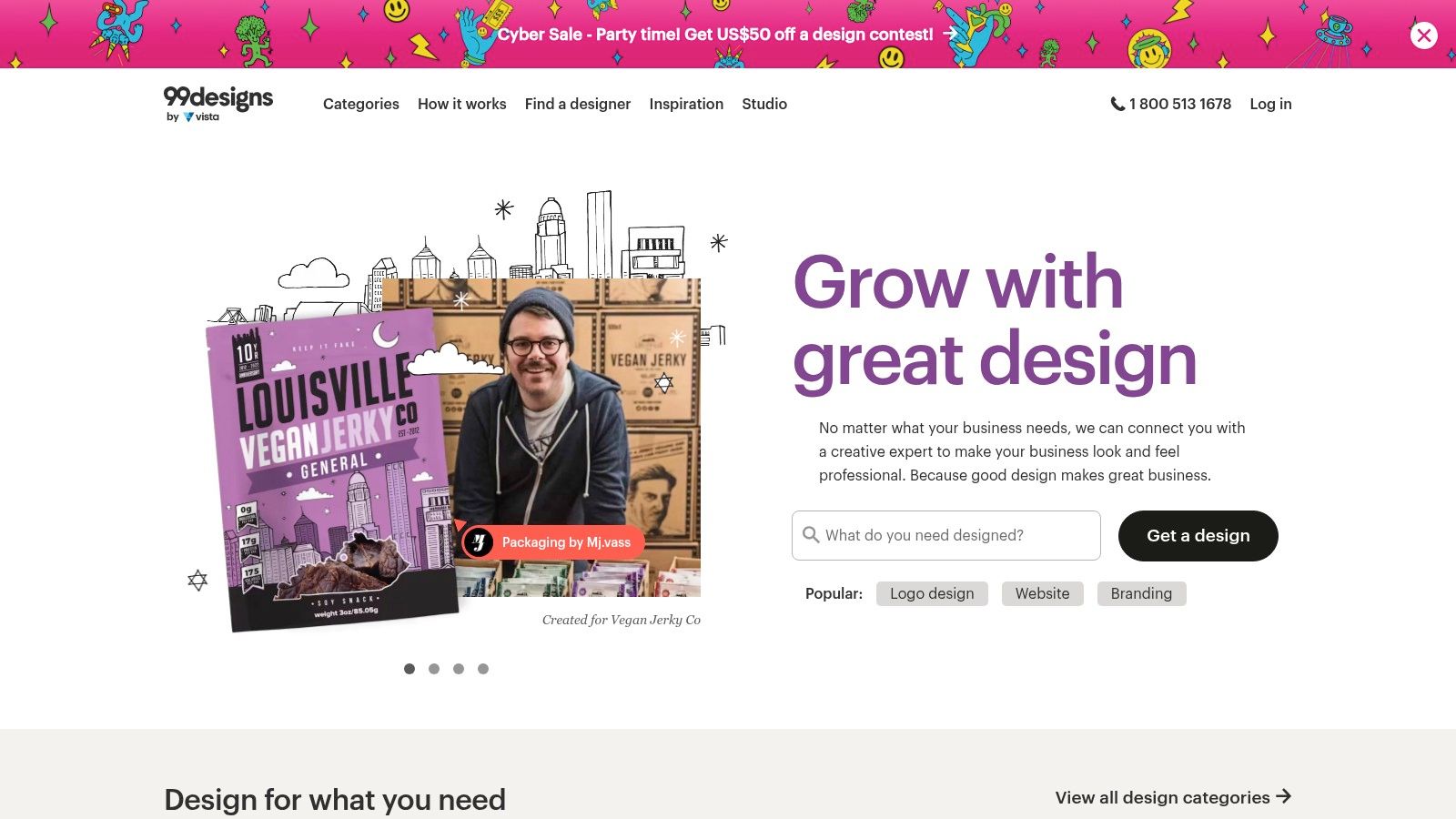
Beyond contests, 99designs also facilitates direct 1-to-1 projects, allowing successful designers to build long-term relationships with clients. As you gain experience and complete projects, you can advance through their designer leveling system, which rewards you with lower platform fees and greater visibility. The structured pathway from contests to direct work makes it an excellent training ground. For businesses looking to integrate strong design into their products from the start, understanding the design process is as crucial as the development, which is a key part of the guidance for how to build a successful MVP.
| Feature | Details |
|---|---|
| Best For | Graphic, brand, and web designers looking to build a portfolio through contests. |
| Pricing | Free to join. Platform fees apply to winnings and projects, decreasing as your designer level increases (from 15% down to 5%). |
| Pros | Excellent for portfolio building, direct client feedback via contests, fees decrease with experience. |
| Cons | Contests involve speculative work with no guarantee of payment, highly competitive environment. |
Website: https://www.99designs.com
For beginners prioritizing safety and legitimacy, FlexJobs is a standout platform. Unlike open marketplaces, it’s a curated job board where every listing is hand-screened by a real person to filter out scams and low-quality offers. This focus on quality makes it an excellent resource for finding genuine remote, part-time, and freelance opportunities without wading through questionable posts, which is a common challenge on other freelancing platforms for beginners.
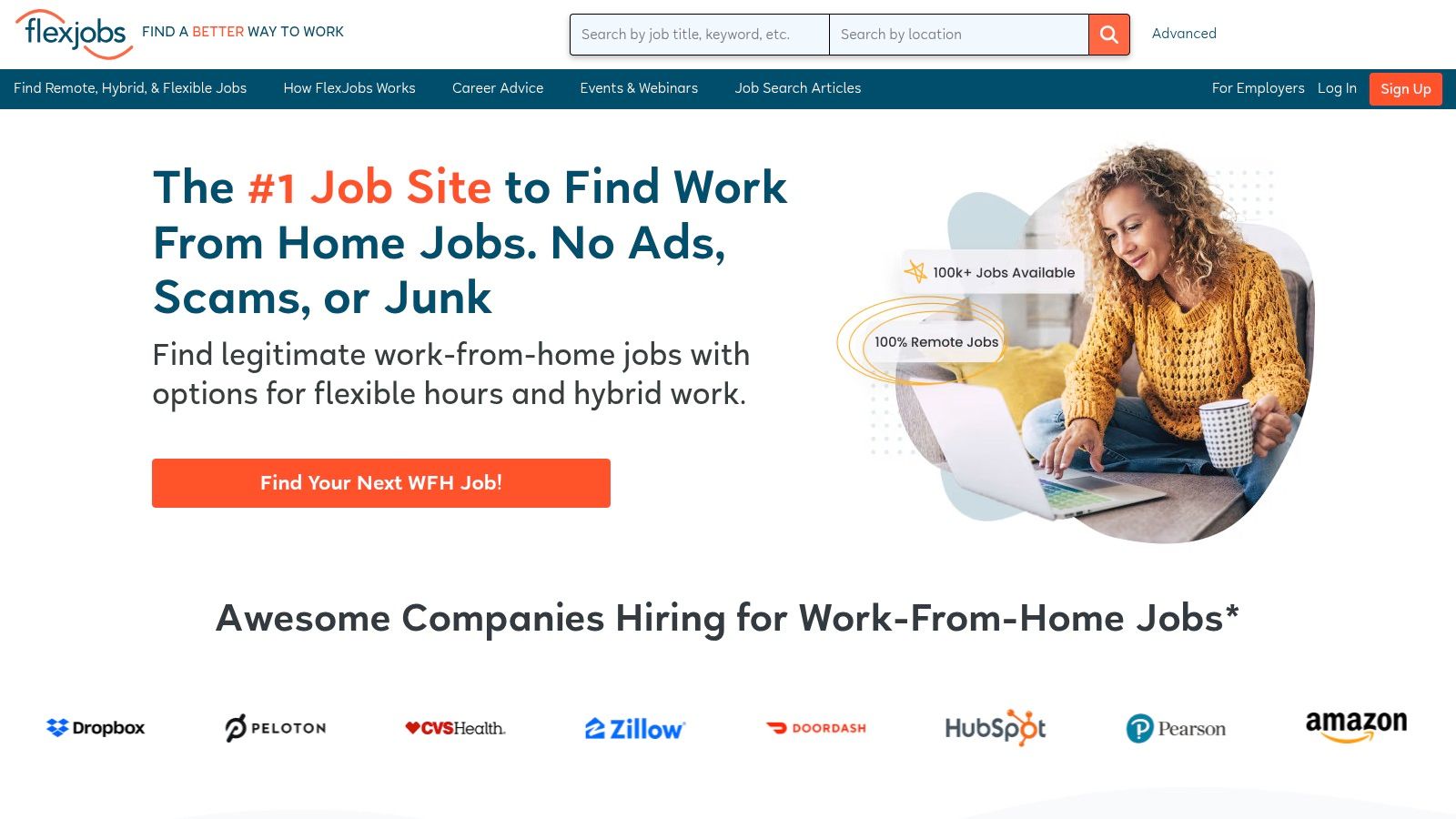
The platform requires a subscription, which is its primary drawback, but this fee supports the human-led vetting process. This model creates a more professional environment and reduces competition from less serious applicants. For freelancers willing to invest a small amount for access to a higher-quality, scam-free job pool, FlexJobs provides a secure and efficient way to land legitimate remote work and build a stable client base from the start.
| Feature | Details |
|---|---|
| Best For | Beginners seeking vetted, scam-free remote and flexible freelance jobs who are willing to pay a subscription. |
| Pricing | Requires a subscription fee for job seekers, starting from around $25 per month, with discounts for longer plans. |
| Pros | High-quality, human-screened job listings, significantly fewer scams, focus on remote and flexible work. |
| Cons | Paid subscription is mandatory to apply for jobs, some listings are aggregated from other sites. |
Website: https://www.flexjobs.com
Unlike traditional freelancing platforms for beginners, SolidGigs operates as a lead-generation service rather than a marketplace. Instead of creating a profile and waiting for clients, you receive a curated list of high-quality freelance jobs directly to your inbox. The team at SolidGigs scours dozens of sources across the web, hand-picking the best opportunities so you can spend less time searching and more time pitching and winning clients. This approach is ideal for proactive freelancers who want to bypass crowded marketplaces.

The platform focuses on quality over quantity, aiming to deliver leads that are a better fit for serious professionals. Since you pitch clients directly through their original job posting, you build relationships off-platform and keep 100% of your earnings. This unique model helps you build a direct client pipeline, a crucial skill for long-term freelance success, without the high competition found on larger sites. SolidGigs essentially acts as your personal job-hunting assistant, freeing you to focus on your craft.
| Feature | Details |
|---|---|
| Best For | Proactive freelancers who want to save time searching for high-quality leads. |
| Pricing | Subscription-based model with a monthly fee. They often offer a trial period to test the service. No commission fees are taken from your earnings. |
| Pros | Saves significant time, provides curated and vetted job leads, no service fees on earnings. |
| Cons | Requires a monthly subscription fee, you still have to apply/pitch on external sites, lead volume can vary by niche. |
Website: https://solidgigs.com
| Platform | Best for (target audience) | Quality & vetting | Pricing / fees | Unique selling point |
|---|---|---|---|---|
| Upwork | Broad client base, varied devs & general freelancers | Open marketplace, variable quality; built‑in time tracking & escrow | Freelancer service fee (~10% typical); proposals use paid “Connects” | Massive job volume, strong U.S. client network |
| Fiverr | Quick fixed‑price gigs, creative & small dev tasks | Low barrier to entry, quality signaled by reviews & tiers | 20% commission on seller earnings; payout delays for many sellers | Productized “gigs”, easy to publish and get discovered |
| Freelancer.com | Bid/contest-based projects, mixed experience levels | Variable quality; milestone payments & escrow available | Per-project commission (~10% or $5 min); paid bid upgrades | Design contests and diverse entry‑level opportunities |
| PeoplePerHour | UK/EU clients, freelancers building recurring clients | Marketplace with offers; variable quality; messaging & milestones | Tiered seller fees (higher on first £250) | “Offers” to productize services; incentives for repeat business |
| Guru | Freelancers preferring quotes and collaboration tools | Fewer postings, straightforward quoting; SafePay escrow | Job fees reduced with paid membership (fees can drop to ~5%) | WorkRoom collaboration, flexible agreements, lower fees with membership |
| Contra | Creatives and portfolio‑focused freelancers | Portfolio-first marketplace; smaller pool but curated discovery | 0% freelancer commission (clients pay contract/invoice fees) | Commission‑free model, built‑in contracts/invoicing/payouts |
| LinkedIn Services Marketplace | Professionals leveraging their network & social proof | Profile‑based discovery; social proof via recommendations | No platform commission (payments handled off‑platform) | Leverages professional network and LinkedIn visibility |
| Thumbtack | Local, in‑person service providers (U.S.) | Lead‑generation with variable lead quality by market | Pay‑per‑lead model; set budgets per location/category | High‑intent local consumer leads, Instant Book option |
| Taskrabbit | Local gig work (moving, assembly, errands) | App‑based, ratings drive visibility; U.S.-focused | One‑time non‑refundable Tasker registration fee; platform fees apply | Fast path to first jobs and reviews for local services |
| 99designs | Designers (logo, brand, web/app) | Contest‑driven entry, designer levels add trust | Platform fee on 1:1 projects (varies by level); contest fees apply | Structured contests for portfolio building, leveling reduces fees |
| FlexJobs | Remote, part‑time, freelance job seekers wanting vetted roles | Human‑screened, curated job listings with lower spam | Paid subscription required for job seekers | Curated, legitimate remote roles with satisfaction guarantee |
| SolidGigs | Freelancers who want curated leads to pitch externally | Aggregates & filters leads from many sources (no marketplace vetting) | Subscription‑based service; no commission on earnings | Daily pre‑filtered leads delivered by email to save sourcing time |
Embarking on your freelance journey can feel like navigating a vast ocean of opportunity, and the platforms we've explored are your essential fleet of ships. From the sprawling marketplaces of Upwork and Fiverr to niche-specific hubs like 99designs, each offers a unique port of entry into the world of independent work. The right starting point is not about finding a single "best" platform, but identifying the one that aligns with your current skills, goals, and desired level of effort.
Your initial choice is a strategic one. If you're looking to build a portfolio quickly with smaller, defined projects, Fiverr's gig-based model is an excellent launching pad. Conversely, if you prefer to bid on larger, more complex projects and build long-term client relationships, dedicating time to a robust Upwork profile might be the more strategic move. Don't overlook platforms like Contra, which offers a modern, commission-free approach perfect for showcasing your professional brand from day one.
The key takeaway is that success on these freelancing platforms for beginners hinges on a proactive, tailored approach. A generic profile and a scattergun application strategy will rarely yield results. Instead, focus your energy.
Here are your actionable next steps:
Think of these platforms not as your career's destination, but as its launchpad. They are powerful tools for gaining experience, securing your first testimonials, and building the initial momentum you need. Use them to learn what clients want, refine your offerings, and build the confidence to command higher rates. Your first gig is out there waiting; the right platform is simply the bridge to help you reach it.
Finding the right app developer isn't just about posting a job ad and hoping for the best. It requires a clear, repeatable framework. This process starts by defining your project scope, then choosing an engagement model that fits your needs—like freelance or full-time—before sourcing and rigorously vetting your candidates. Following a structured approach like this […]

So, you need a web developer, and you need one yesterday. The traditional hiring route feels like a non-starter—it’s slow, expensive, and often a drain on resources you don't have. There’s a much better way. By tapping into the global freelance market, you can find specialized talent almost immediately, letting you build products faster and […]

For a startup, outsourcing software development isn’t just a nice-to-have; it’s a competitive edge. It’s how you, as a founder, can build a world-class product with top-tier talent, even when you're just starting out. This isn't about cutting corners on cost. It's a strategic move to build faster, smarter, and compete with the big players […]


